
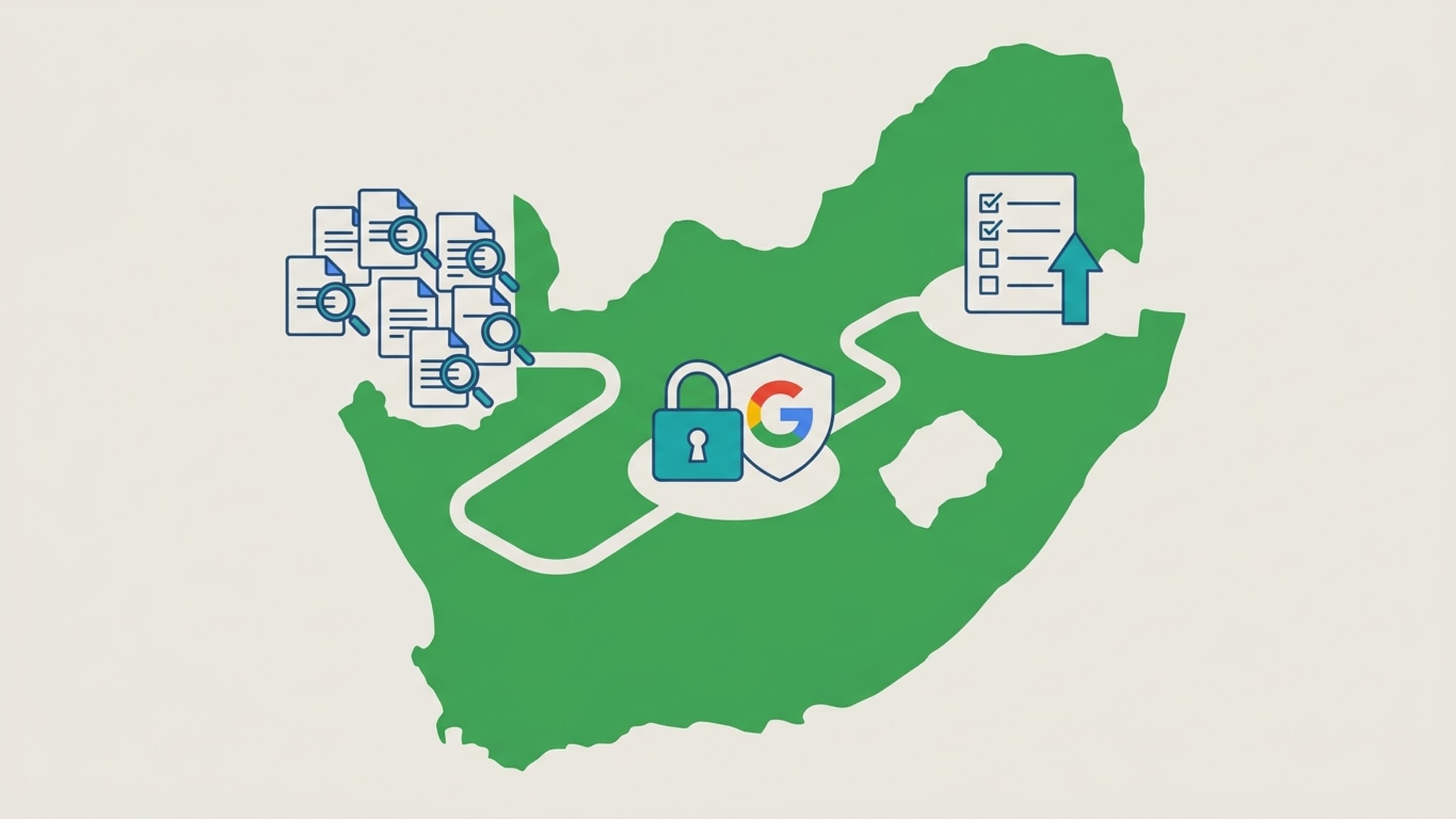
How to Audit Google Account Permissions for South African Businesses
For small and medium-sized businesses (SMEs) in South Africa, auditing Google account permissions is a critical but often overlooked step in data security and compliance with the Protection of Personal Information Act (POPIA). Your Google account is the gateway to tools like Gmail, Google Drive, Google Ads, and Google Analytics, and every third-party app connected to it poses a potential risk. This cluster article dives deeper into the Google Account Management pillar, providing a practical step-by-step guide to auditing permissions, understanding the risks, and staying compliant with POPIA.
Why Auditing Google Account Permissions Matters for SMEs
South African SMEs are increasingly targeted by cybercriminals, and a compromised Google account can lead to data breaches, financial loss, and reputational damage. In May 2026, the Information Regulator of South Africa signaled a tougher enforcement posture under POPIA and PAIA, emphasizing the need for businesses to take data protection seriously. Non-compliance can result in hefty fines—like the R5 million administrative fine issued to the Department of Justice and Constitutional Development in July 2023 for failing to renew security licenses after a data breach (source). While that penalty was against a government department, the same regulations apply to private sector SMEs. In the 2022/2023 financial year, the Regulator resolved 70% of the 895 complaints related to POPIA violations (source), indicating active enforcement. Auditing your Google account permissions is a proactive step to reduce risk and demonstrate compliance.
Understanding Third-Party App Permissions
When you sign in to a third-party app or service using your Google account, you grant it certain permissions—like access to your Gmail, Google Drive, or contact list. Over time, these permissions accumulate. Many SMEs approve apps for convenience without reviewing the level of access they request. For example, a marketing tool might request read/write access to your Google Ads account, while a free PDF converter might ask for access to your Google Drive. If that app is later compromised, your business data could be exposed. Under POPIA, you are responsible for the personal information you process, including data shared with third parties. Permissions you gave years ago could still be active, giving apps ongoing access to your current data.
Step-by-Step Guide to Auditing and Revoking Permissions
Follow these steps to audit your Google account permissions today:
- Open your Google Account settings. Go to
myaccount.google.comand sign in. - Navigate to 'Security' and then 'Third-party apps with account access'. This page lists every app you've granted access to, along with the permissions it has.
- Review each app carefully. For each app, click 'See details' to view the specific permissions (e.g., 'View your email messages', 'Manage your contacts', 'Have offline access'). Ask yourself: Does this app still serve a business purpose? Do I trust the developer? Is the level of access appropriate?
- Revoke access for any app that is no longer needed or suspicious. Click 'Remove Access' and confirm. For apps you still use, consider whether a lower level of access is possible—some apps allow you to re-authenticate with reduced permissions.
- Repeat for all Google accounts used in your business. This includes personal accounts used for work, former employee accounts, and shared accounts.
- Set a recurring audit schedule. Perform this review quarterly, and encourage employees to do the same for their accounts.
Best Practices for Ongoing Permission Management
Beyond the audit, implement these practices:
- Use Google Workspace for business accounts. This gives you control over user accounts and permissions, and you can enforce security policies like two-factor authentication (2FA).
- Train employees to recognise phishing attempts. Many third-party app compromises start with a fake login page asking for Google access.
- Monitor OAuth tokens. Google's Security Checkup tool shows recent app activity. Use it to spot anomalies.
- Restrict app installation. In Google Workspace, you can whitelist only approved apps for your domain.
- Keep a record of authorised apps. Maintain a simple spreadsheet listing each app, its permissions, the date of approval, and the responsible user.
Real-World Consequences of Neglecting Permissions
In 2023, a South African SME in the retail sector suffered a ransomware attack after an unmonitored third-party app with Google Drive access was compromised. The attackers encrypted critical business files and demanded a ransom of R150,000. The company had not audited its permissions in over two years. While the fine from the Information Regulator for the ensuing data breach was not publicly disclosed, the business faced significant operational disruption and reputational harm. This case illustrates that the cost of neglect can far exceed the time required for a quarterly audit.
Conclusion: Take Action Now
Auditing your Google account permissions is a simple yet powerful way to protect your SME from data breaches, comply with POPIA, and avoid fines. With the Information Regulator ramping up enforcement in 2026, there has never been a better time to act. Start with a full review of all third-party apps, revoke unnecessary access, and schedule recurring audits. If you need further assistance with your Google account management or overall digital strategy, contact Prebo Digital for expert guidance tailored to South African businesses.
Frequently Asked Questions
How often should I audit Google account permissions?
At least quarterly, or whenever there is a change in your business software stack. High-risk periods (e.g., after a data breach in the industry) warrant an immediate review.
What should I do if I find an app I don’t recognise?
Revoke its access immediately. Run a security checkup to ensure no other suspicious activity is present, and change your password if you suspect a compromise.
Does POPIA require me to audit third-party app permissions?
While POPIA does not explicitly mention Google permissions, it requires accountable parties to implement appropriate security measures to protect personal information. Regular audits of connected apps are considered a reasonable technical measure to prevent unauthorised access.