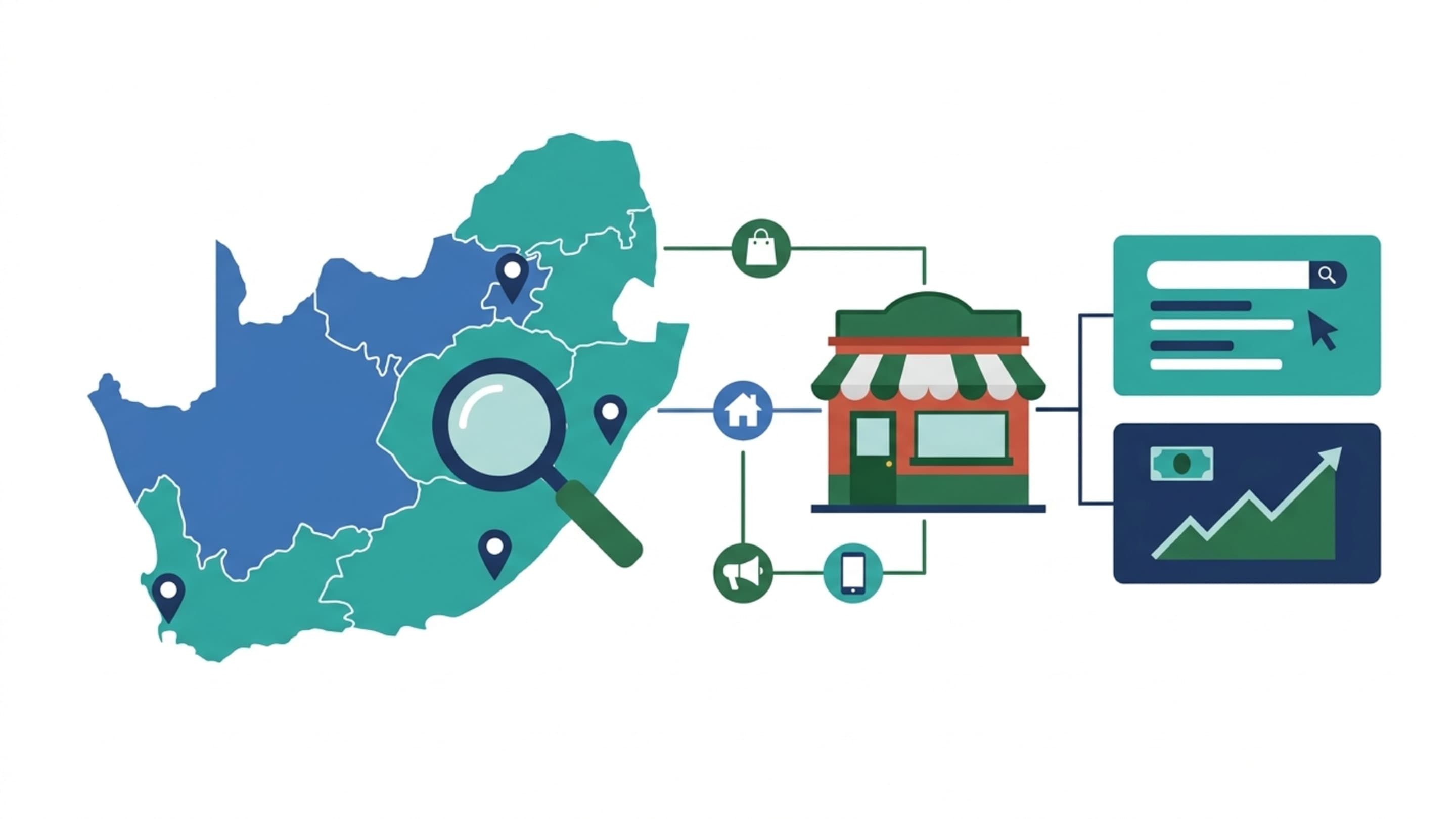

The Stellenbosch Scenario: How a Hijacked Google Account Drains an Ad Budget
Picture a Stellenbosch online store selling outdoor gear. The owner runs Google Ads personally, pays via company EFT, and uses SMS as the second factor because it was the default. A SIM swap happens over a weekend. The attacker resets the login, adds a new admin, raises budgets on a display campaign pointing to an off-site checkout clone, and swaps the Merchant Center payment profile. By Monday, the first evidence shows up in the bank feed, not the inbox.
For a business that buys media, a Google login is a spending instrument. It holds the billing card, the Merchant Center payment profile, the analytics pipeline and, through Search Console, the visibility data behind pricing decisions. Treating it as an email account with a password is where most South African risk begins.
SMS-based 2FA is the weakest link in a SIM-swap environment. If that is your only factor, you are one port request away from a takeover.
Why a Google Account Is a Financial and Data Asset, Not Just an Inbox
Three things sit behind that login that owners rarely file under 'security': the ad budget, the payment instrument, and the conversion data the attribution model depends on. A takeover does not just lock you out - it corrupts the data that tells you which channels are profitable.
The South African Threat Surface: SIM Swap, Load-Shedding Phishing and .co.za Admin
Local threat patterns differ from global ones. SIM-swap fraud is a live operational risk that makes SMS 2FA a liability. Phishing emails imitating 'account suspended' or 'billing failed' notices spike around load-shedding and payment disruptions, when recipients expect payment problems and act quickly. And .co.za domain and hosting admin is often held by a contractor or former employee, so recovery routes lead outside the business entirely.
Lock the Front Door: Passkeys, Authenticator Apps and Advanced Protection
Move past SMS wherever possible. Passkeys bind access to a device you hold and are phishing-resistant by design. An authenticator app removes the SIM dependency while keeping recovery manageable. The Advanced Protection Program adds hardware-key enforcement for accounts where a takeover would be materially damaging - typically any account with live ad spend or Merchant Center access.
Security Factor Comparison: What Each Google 2SV Method Resists
| Method | Resists SIM swap | Resists phishing | Resists remote attacker |
|---|---|---|---|
| SMS code | No | Weak | Partial |
| Phone prompt | Partial | Weak | Partial |
| Authenticator app | Yes | Moderate | Yes |
| Passkey | Yes | Strong | Yes |
| Hardware security key | Yes | Strong | Yes |
Lock the Recovery Path: Recovery Email, Recovery Phone and the Lockout Trap
Recovery is the soft entry point most businesses overlook. Recovery email is frequently a staff member's personal Gmail rather than a business-controlled address. Move it to an address on your own domain, ideally on Workspace and shared with a second accountable person. Otherwise, a departing employee or a stolen personal inbox becomes your reset button.
Set the recovery email to a company-domain mailbox on Workspace, not a personal Gmail. Then verify that a second admin can complete recovery independently.
Billing Controls for Google Ads and Merchant Center: Separating the Money From the Login
Separate the billing instrument from the login. Use a dedicated card for ad spend with a limit, not the operational EFT card. Configure spend alerts and change notifications. For Merchant Center, ensure the payment profile is owned by a finance-controlled account, not the media buyer's personal one.
Lock the Data Layer: Admin Roles, 2SV Enforcement and Connected Apps in GA4, Search Console and Merchant Center
Data access is the quieter half of the risk. A compromised login can cost a GA4 property its reporting integrity, disrupt Search Console verification and affect Merchant Center eligibility. Enforce 2SV at the organisational level, use least-privilege admin roles rather than shared logins, and review connected apps holding GA4 or Ads scope - a third-party tool with broad OAuth permissions is an entry point if its credentials leak. Following Google account management best practices closes that gap early.
What to Do in the First 60 Minutes After an Account Takeover
- Revoke all active sessions and signed-in devices from the security panel.
- Reset the password on a clean device and re-enrol the second factor.
- Contact Google Ads and Merchant Center support with the account ID; do not rely on email-only contact.
- Notify the bank and card issuer to freeze the affected card immediately.
- Audit GA4, Search Console and Merchant Center for new users, changed filters or removed links.
Document every action and timestamp. Recovery is not guaranteed, and the incident log supports both the platform request and any regulator notification.
POPIA and Data Breach Notification: What South African Businesses Owe
Under the Protection of Personal Information Act, security safeguards are a condition of lawful processing. Where personal information is compromised, there is a duty to notify the Information Regulator and affected data subjects. Use the Regulator's published breach-notification guidance and the original Act text rather than paraphrased summaries. If customer records in a connected CRM or Klaviyo list were exposed through the compromised login, notification is likely applicable.
How to Verify the Hardening Worked: Sign-In Alerts, Spend Anomaly Checks and a Low-Risk Baseline
Verification is where most security work stalls. Run a Security Checkup monthly. Review Google Ads change history for unexpected budget or campaign changes. Confirm GA4 and server-side tracking still reconcile - a takeover typically shows up first as a break in the server-side pipeline. Compare platform-reported conversions against your source-of-truth numbers in your reporting layer; a hijacked login corrupts attribution and makes ROAS and MER reporting untrustworthy - a profitability problem before it is a security one. A periodic Google account permissions audit catches drift before it becomes exposure.
Who This Playbook Is For: Matching Security Effort to Business Risk
| Profile | Typical exposure | Minimum controls |
|---|---|---|
| Owner-run store managing its own Ads | One login, personal recovery email, SMS 2FA | Authenticator app, business recovery address, card limit |
| Mid-sized e-commerce with agency on Ads/Merchant | Shared logins, multiple admins, EFT billing | Passkeys, least-privilege roles, dedicated billing card, 2SV enforcement |
| B2B SaaS or service team with a data pipeline | GA4, Search Console, connected CRM scopes | Advanced Protection, hardware keys, quarterly app-scope review |
Bringing It Together: Security as an Attribution and Profitability Discipline
Businesses that scale profitably on Google treat account security as part of their measurement discipline, not a separate IT chore. Clean logins produce clean data; clean data makes CAC and LTV decisions defensible. You can review how we manage Google Ads with tracking integrity in mind, or explore the case studies for how that shows up in practice.