
Display budget does not leave an account loudly. It leaves quietly, one impression at a time, through a location setting nobody re-read after launch.
Context: A Multi-Region Retailer, One 'South Africa' Campaign, and Spend That Travelled
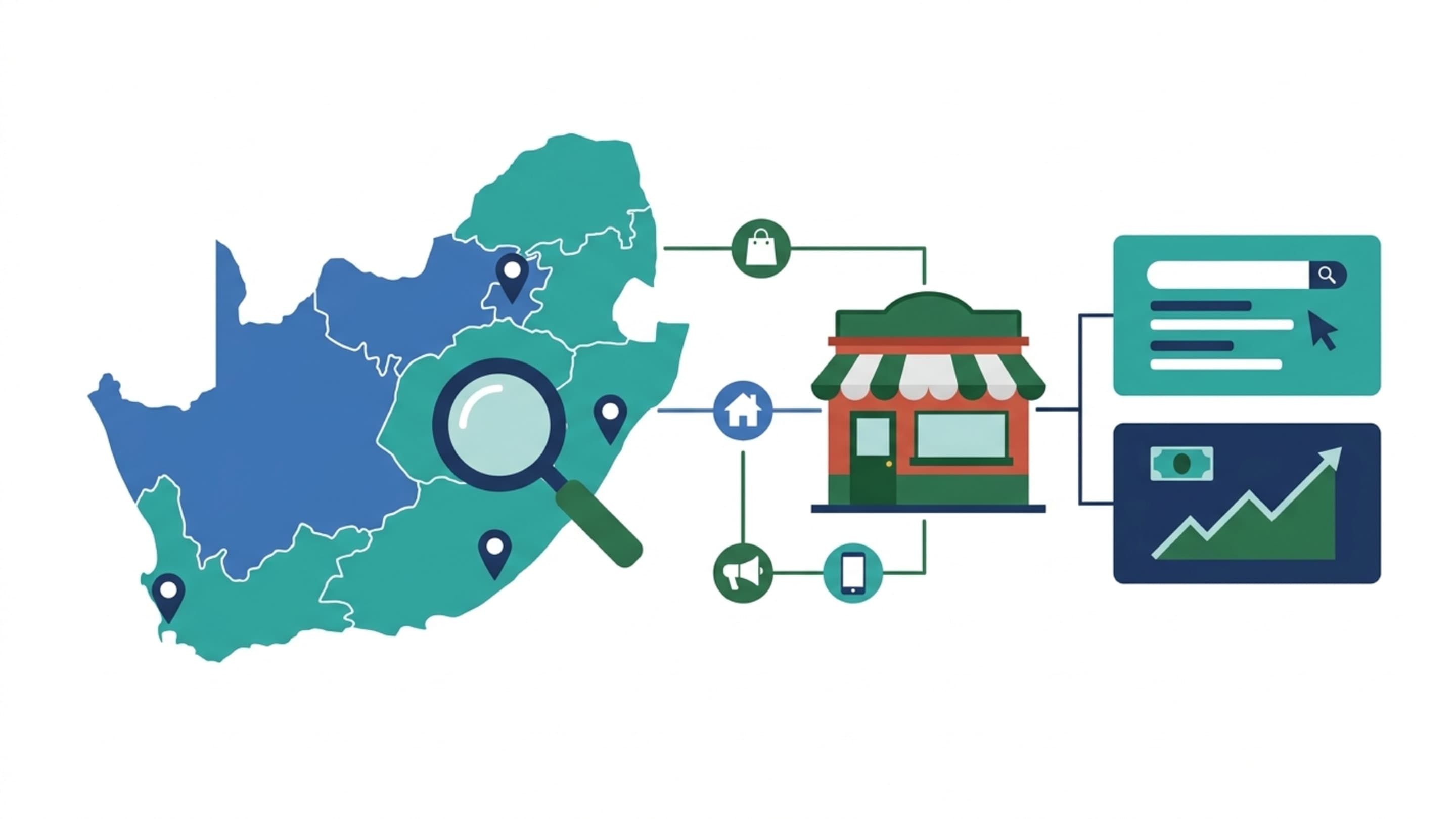
Picture a hypothetical online retailer with fulfilment nodes in Gauteng, Western Cape and KZN, running a single display campaign at roughly R80,000 a month with 'South Africa' as the only location target. The monthly review shows strong impression volume and weak regional revenue correlation. Pulling the locations report reveals impressions from users Google judged as having shown interest in South Africa while browsing elsewhere, plus spend in provinces the retailer delivers to slowly and expensively. Nothing was broken. The campaign simply answered a question nobody had asked: who is interested in this market, rather than who is in it.
What Geo-Targeting Actually Controls on the Display Network
Location targeting on display sets a geographic filter against Google's estimate of where a user is. It is not an audience, and it is not a delivery guarantee. Critically, location acts as an AND condition with your other targeting: adding audiences, placements or keywords narrows reach, never widens it. Display compounds this because broad placements interact with how Google resolves location, so a loose location setting plus broad placements is where leakage concentrates.
Presence vs Presence or Interest: The Setting That Decides Where Money Goes
Google Ads offers two location options. Presence targets people in or regularly in your locations. Presence or interest also reaches people who have shown interest in those locations while physically elsewhere. Interest matching is legitimate for a South African brand deliberately selling into the UK, EU or Middle East diaspora. It is corrosive when it is the default left unexamined on a domestic campaign.
Warning: leaving 'presence or interest' on a domestic display campaign lets budget reach users who never enter your delivery footprint. Change this deliberately, not by default.
Country, Region, City, Radius or Location Group: Choosing the Method
| Method | Best for | Trade-off |
|---|---|---|
| Country | Cross-border retail or SaaS with global reach | Very broad; mask leakage hides inside it |
| Region / province | Provincial delivery zones and fulfilment nodes | Coarse within dense metros |
| City | Metro-level regional campaigns | Metro boundaries do not match service reality |
| Radius / postcode | Service areas and store catchments | Precision demands maintenance as you grow |
| Location groups | Business-location-linked targeting | Requires accurate linked business data |
Building a Region → City → Radius Structure That Survives Scale
Structure geographically in layers rather than in one campaign. Start at region, split into city campaigns where delivery economics differ, and reserve radius targeting for service catchments or store trade areas. Keep a shared negative location list at account level so unserviceable areas and cross-border traffic are excluded once, consistently. On a display-first account, this structure is what makes geo reporting legible when you later segment performance.
Stacking Location With Audiences, Placements and Excluded Locations
On display, location rarely works alone. Pair it with audience segments and managed placements to tighten relevance, but remember the AND rule: every additional layer shrinks the pool. Build excluded locations into the initial structure - cross-border regions you do not serve, provinces with uneconomic delivery, and low-value traffic sources - rather than cleaning them out after the fact. A worked location checklist for a domestic retailer might read: presence only; excluded cross-border; city campaigns beneath a provincial umbrella; radius reserved for physical collection points.
Tip: For cross-border selling, run a separate campaign with interest targeting and its own currency, VAT treatment, time zone and ad schedule. Insulate it from domestic spend.
Reconciling Geo Reports: Google Ads vs GA4 vs Your Warehouse
| Source | What it measures | Caveat |
|---|---|---|
| Google Ads Locations report | Geographic matching of impressions and conversions | Based on Google's location estimate, not verified address |
| GA4 geographic dimension | Session-level geo derived from IP | Subject to consent gaps and attribution windows |
| CRM / warehouse region field | Billing or delivery address captured at purchase | Reflects customer-declared location, not session origin |
These three will never agree perfectly because they answer different questions: where Google thought the user was, where their IP resolved, and where the order was billed. Reconciliation is about understanding divergence and choosing which source governs regional revenue reporting, then using the others diagnostically. See our reporting approach for how this feeds a single view.
Location Data, Consent and POPIA
Location data is personal data under POPIA, and cross-border audiences bring GDPR into scope. Consent Mode affects how geo signals and conversion modelling behave, so consent configuration and location targeting should be reviewed together, not separately.
Info: Keep consent and geo settings aligned - treating them as separate technical projects is where measurement gaps appear.
Outcomes: What a Clean Geo Setup Should Let You Measure
A disciplined geo setup lets you compare revenue by region against delivery cost, identify where display budget generates sales rather than impressions, and make presence-versus-interest decisions with evidence. It will not resolve tracking gaps or fix weak creative. For deeper strategic support, explore our Google Ads services and strategy consulting.