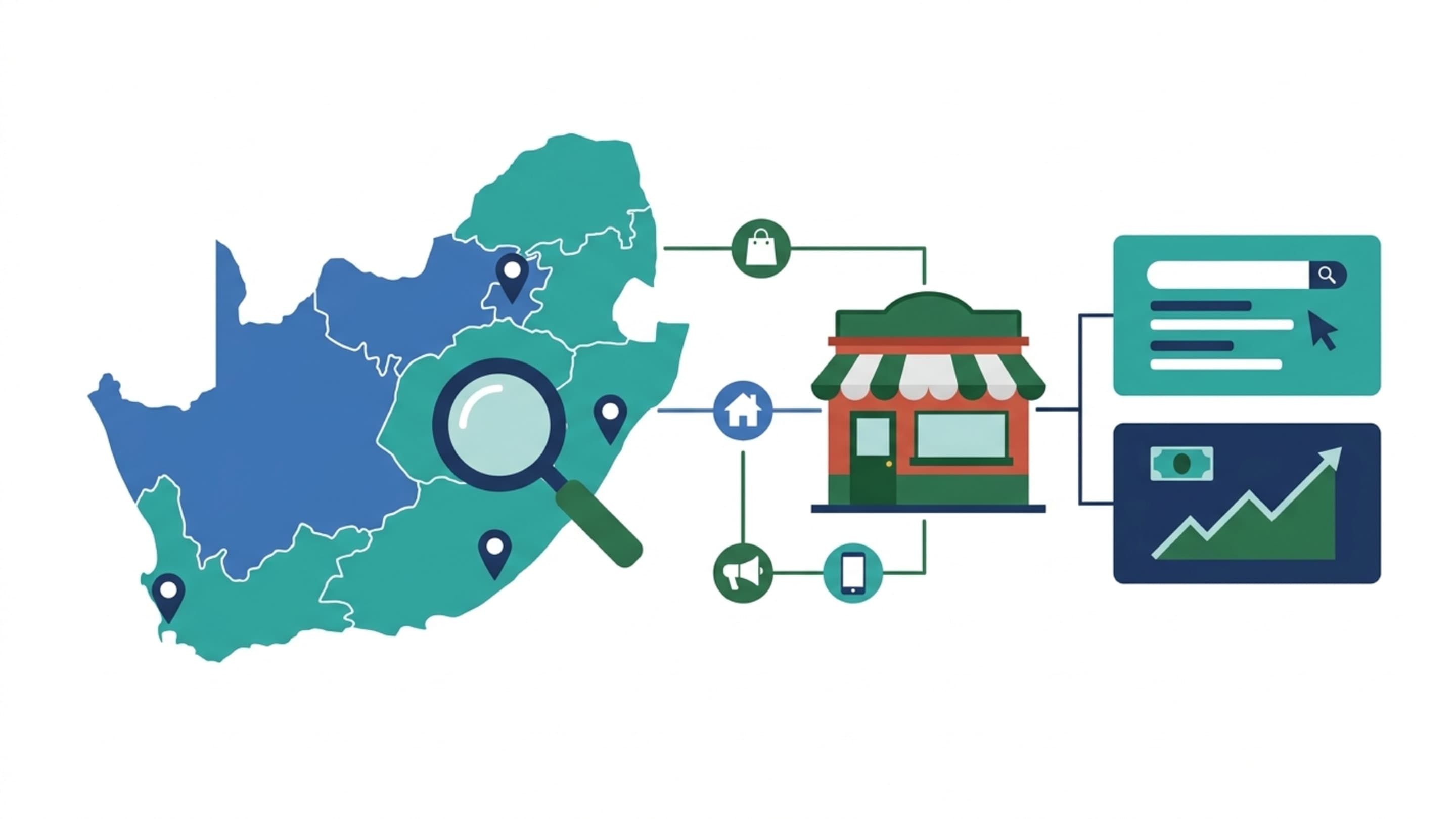

The Pretoria East Scenario: Six People, Four Screens Each, and a Calendar That Disagrees (Hypothetical Illustration)
A six-person marketing team in Pretoria East runs a Google Ads account and a GA4 property for an e-commerce client. The account manager checks spend on the client's Ads account from her personal phone on Friday evening. On Monday her laptop shows the budget-review stand-up at 09:00; her phone shows 10:00. The media buyer sees a stale Drive budget sheet on his tablet. No password changed, no access revoked. The cause is ordinary: the client's Workspace calendar (.co.za tenant) and the team member's personal Gmail are two separate identities, and each device is partially synced to one of them.
This is the crux of the Google account sync across devices question in South Africa. It is rarely a single bug. It is a decision about which identity, on which device, syncs which surface - and what that means for reporting accuracy and data cost.
Sync is not one setting. There is no master 'Google account sync' toggle. Each Google product syncs its own content under its own control, and signing out on one device does not sign out other sessions elsewhere.
What 'Google Account Sync Across Devices' Actually Means - and What It Is Not
Google documentation is consistent: sync is per-product. Chrome sync covers bookmarks, history, passwords, settings, extensions, open tabs and payment methods, and is governed separately from Google Activity controls. Chrome sign-in can also be a different session from Chrome sync - a distinction most tutorials blur.
On Android, Contacts, Calendar, Gmail, Drive, Photos and Keep sync under Settings > Accounts > Google > Sync, each togglable. On iOS, each Google app syncs individually; the system Accounts integration only surfaces Gmail, Calendar and Contacts. Workspace adds layers: Google Workspace Sync for Microsoft Outlook (GWSMO), Drive for desktop, and admin-controlled device policies.
The Sync Layers, Product by Product: A Reference Table for SA Teams
| Surface | What Syncs | Where to Control It | SA Team Note |
|---|---|---|---|
| Chrome | Bookmarks, history, passwords, extensions, tabs, settings | Chrome settings → You and Google → Sync | Keep personal and client profiles separate |
| Android | Contacts, Calendar, Gmail, Drive, Photos, Keep | Settings → Accounts → Google → Sync | Per-content-type toggles; Wi-Fi-only is defensible |
| iOS apps | Individually per app (Gmail, Drive, Calendar) | Inside each Google app | System Accounts covers Gmail/Calendar/Contacts only |
| Workspace | GWSMO, Drive for desktop, managed Chrome profiles | Admin console + local sync clients | Admin policy can override user choice |
Chrome Sync vs Google Account Sign-In: The Distinction Most Teams Miss
Signing into a Google account in Chrome is not the same as turning on Chrome sync. A media buyer can be signed into a client's Google Ads account without that identity's history, passwords and tabs syncing to every device. Teams that conflate the two end up with personal browsing history on a shared client laptop - a POPIA-relevant convenience risk. Workspace admins can enforce Chrome optimised profiles to keep work and personal profiles separate on the same machine.
Android, iOS and the Workspace Surface: Where Cross-Device Consistency Breaks Down
Consistency breaks at three seams: personal Gmail on Android plus Workspace on desktop (different calendars and contact sets); iOS apps syncing individually (Drive current on iPad while Calendar is stale); and Microsoft-centric offices where GWSMO syncs work mail into Outlook on desktop, but the phone only sees Workspace mobile apps.
Why South African Teams Face a Different Sync Question: Consumer Gmail Meets the .co.za Workspace Tenant
The defining problem in South Africa is mixed identity. Many agencies and in-house teams run a .co.za Workspace tenant for company mail and calendars while staff still use a personal Gmail on their phones for the Google Ads app, Maps and YouTube. A shared client Calendar invite then has two different views. Add costly mobile data, load-shedding and intermittent connectivity, and sync becomes a business decision rather than a preferences tweak.
A Decision Matrix: Who Should Sync What to Which Device
The matrix below is a starting point, not a mandate. It assumes a .co.za Workspace tenant for client work and a personal Gmail for personal use - the standard South African posture.
| Role | Sync to Work Laptop | Sync to Personal Phone | Do Not Sync |
|---|---|---|---|
| Account manager | Chrome (work profile), Calendar, Drive, Gmail | Calendar + Gmail only | Passwords, browser history |
| Media buyer | Chrome, Drive, Ads app | Ads app, Drive (offline for key docs) | Client credentials in personal Chrome |
| Reporting analyst | Drive for desktop, Chrome, GA4 access | Calendar, Drive (Wi-Fi only) | Raw client exports on personal device |
For reporting-framework decisions, see Prebo Digital's reporting approach; for account-level policy, strategy consulting covers the governance layer.
The Data-Budget Call: Wi-Fi-Only Sync as a Defensible Default in South Africa
Always-on background sync is a genuine cost line for a travelling team member. A sensible default: enable sync across content types, but disable background mobile-data refresh on Google apps and set downloads to Wi-Fi only. Pin Drive files for client visits offline deliberately - see Google Drive offline documentation. If a user's monthly data bill exceeds roughly R300-R500 on sync alone (an estimate, variable by carrier and plan), the defaults are wrong for that role.
Load-Shedding and Intermittent Connectivity: Designing for a Sync Queue That Recovers
Load-shedding interrupts sync mid-write. Drive for desktop and Chrome queue changes locally and flush on reconnect, but recovery is not instant - a laptop closed mid-edit can show a conflict copy on next login. Practical habits: keep the laptop charged and awake during long Drive uploads, confirm the sync status icon before shutting down, and prefer editable Google Docs over local Office files for anything the team needs current on mobile.
A half-synced personal device reaching Google Ads or GA4 mid-outage is a frequent source of duplicate-tracking noise and stale conversion values - one reason Prebo pairs clean server-side pipelines with clear device access rules.
POPIA and Device Access: What Syncing Work Data to a Personal Phone Really Commits You To
POPIA makes the responsible party accountable for personal information processed on any device it controls or authorises. Syncing client Google Ads data - including audience lists and customer identifiers - to a personal phone extends the processing surface to that device. A defensible posture: document which staff may access client data on personal devices, require a device PIN and remote-wipe capability (Google Account reauthentication), and review quarterly. The Information Regulator of South Africa is the statutory reference; this article is not compliance advice.
Profile Separation on Shared Machines: Keeping Client and Personal Google Identities Apart
On a shared office laptop, two Chrome profiles - one .co.za work, one personal Gmail - stop the account manager's passwords, history and extensions landing on the media buyer's screen. Turn off sync for the personal profile on shared machines; keep sync on for the work profile only where the device is assigned to one person. Admin-enforced profiles remove the choice entirely, which is why Workspace tenants should enable them.
What Good Sync Looks Like in Practice: Reporting Access, Calendar Accuracy and Fewer Discrepancies
A healthy sync posture produces measurable calm: report access that does not depend on which device someone opens, calendars that agree, fewer duplicate prompts and no repeated 'why can't I see the client's Ads account?' tickets. A lightweight quarterly review of sync surfaces - Chrome, Android, iOS apps, Workspace - plus a note in the reporting handbook is enough. Adopt one principle: sync the access, not the noise.